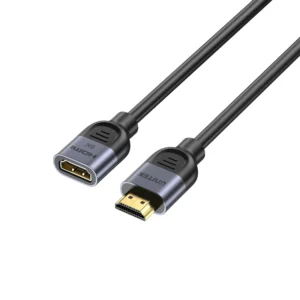
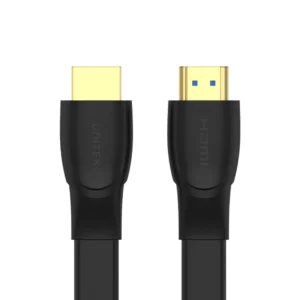
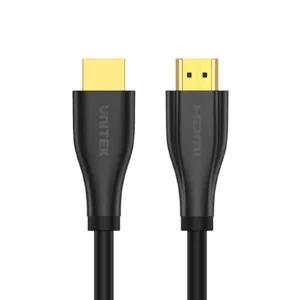
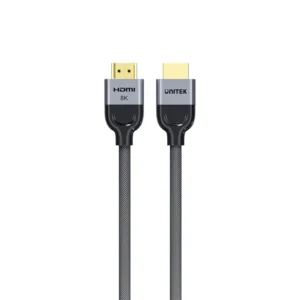
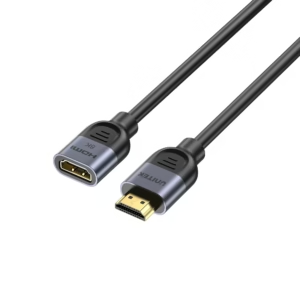
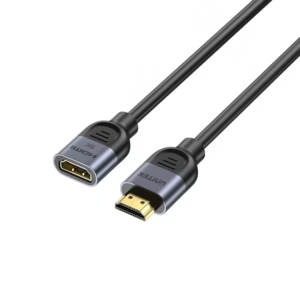
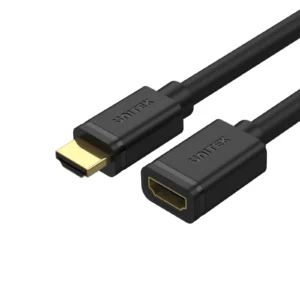
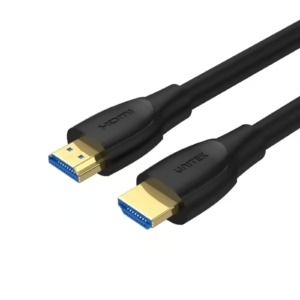
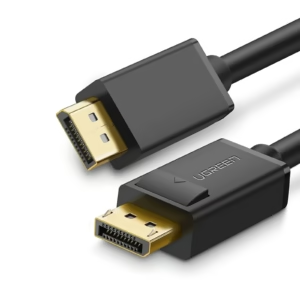
In the modern world of high-definition audio and video, HDMI (High-Definition Multimedia Interface) has become the universal standard for connecting devices. Whether you are setting up a home theater, building a professional workstation, or simply connecting a laptop to a projector, understanding the nuances of hdmi cables, adapters, and signal management tools like an hdmi splitter is essential for the best experience.
Understanding HDMI Cables: Not All Are Created Equal
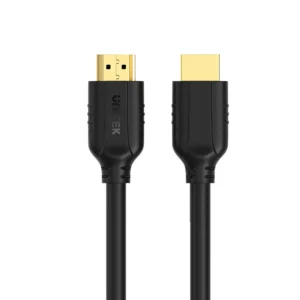
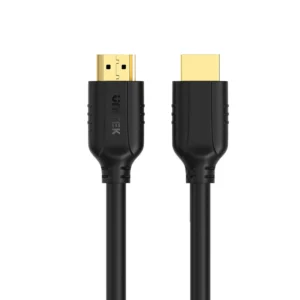
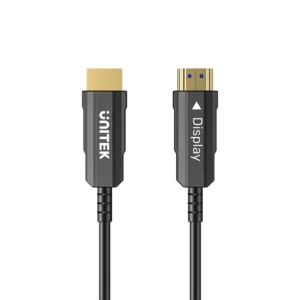
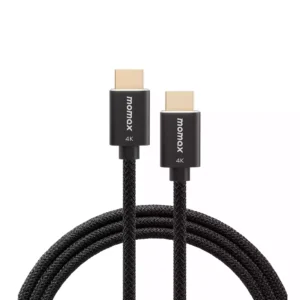
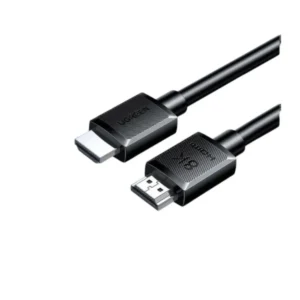
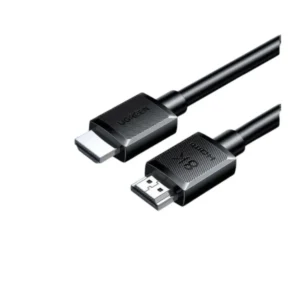
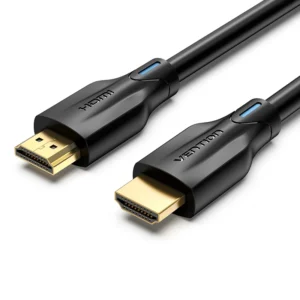
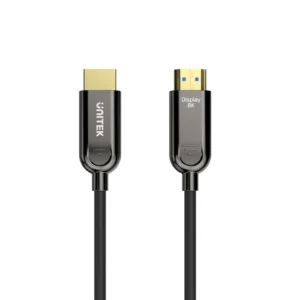
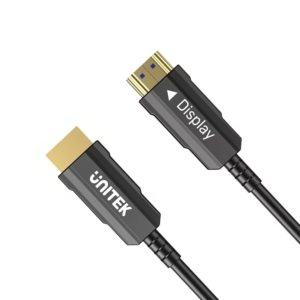
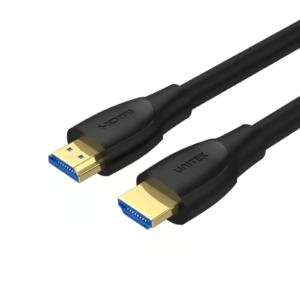
When shopping for hdmi cables, you will encounter various specifications and categories. The cable you choose directly impacts video and audio quality. The most common categories, as outlined by Intel, include Standard, High-Speed, and Ultra High-Speed, which correlate with different HDMI versions and capabilities .
For years, HDMI 2.0 was the gold standard, supporting 4K resolution at 60Hz with a bandwidth of 18Gbps. However, the latest evolution, hdmi 2.1, has raised the bar significantly. With a massive bandwidth of 48Gbps, hdmi 2.1 enables breathtaking features like 4K at 120Hz, 8K at 60Hz, and even supports up to 10K resolution . This is made possible by the “Ultra High Speed” hdmi cables, which are certified to handle the high data throughput and include features like low Electro-Magnetic Interference (EMI) to reduce interference with wireless devices .
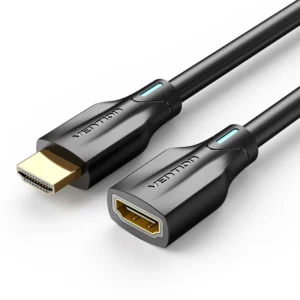
Beyond resolution and speed, there are also physical size differences. While the standard Type-A connector is found on most TVs and monitors, portable devices often require smaller variants:
Standard HDMI (Type A): The full-sized port used on TVs, consoles, and desktop monitors .
Mini HDMI (Type C): Commonly found on DSLR cameras and some tablets .
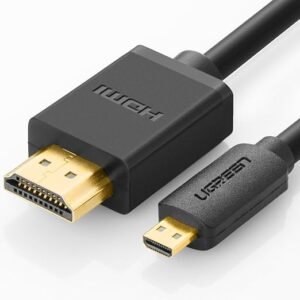
Micro HDMI (Type D): Used for smaller devices like smartphones and action cameras .
Expanding Your View: The Role of an HDMI Splitter
Have you ever wanted to display the same content on two different screens simultaneously? This is where an hdmi splitter becomes an invaluable tool. Unlike a switch, which sends different sources to one TV, an hdmi splitter takes a single source (like a cable box or a PC) and duplicates the signal to multiple displays .
This device is perfect for digital signage in retail environments, watching a movie from a Blu-ray player in two different rooms, or sending a gaming console feed to both a monitor and a capture card. When choosing an hdmi splitter, ensure it supports the resolution and refresh rate of your content; for example, a splitter for 4K content needs to be rated for High-Speed HDMI or higher .
Bridging the Gap: The Versatility of USB-C to HDMI
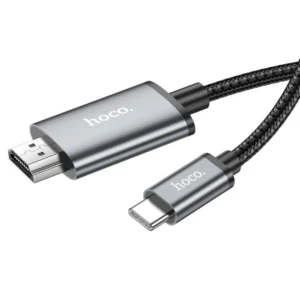
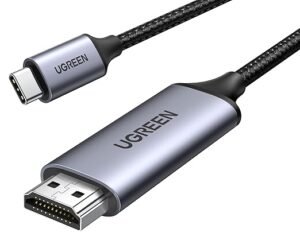
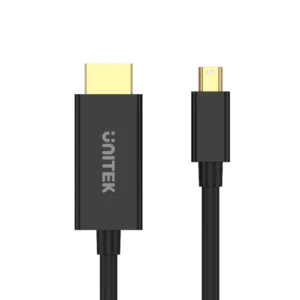
As laptops become thinner, dedicated video ports are often sacrificed. This has made the usb c to hdmi connection a daily essential for millions of users. A usb c to hdmi adapter allows you to connect modern devices to external monitors, projectors, or TVs with ease .
However, not all USB-C ports are created equal. To use a usb c to hdmi adapter successfully, your device must support “DisplayPort Alt Mode” (Alternate Mode) . If it does, the connection is usually plug-and-play, transmitting both video and audio without the need for drivers. For example, connecting a MacBook to a conference room projector is typically a seamless experience with the right hdmi adapter .
The Reverse: HDMI to USB-C
While less common, the reverse scenario—hdmi to usb c—is gaining traction. This usually requires a capture card or a specific adapter that converts the HDMI signal into a format a USB-C port can read. This is particularly popular among streamers who need to connect a gaming console (HDMI out) to a laptop (USB-C in) for broadcasting.
The Power of the HDMI Adapter
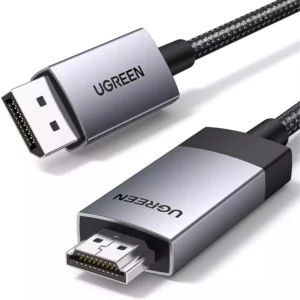
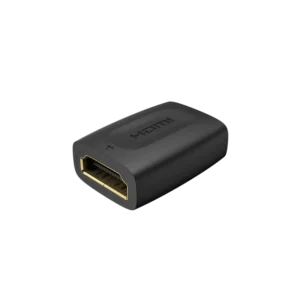
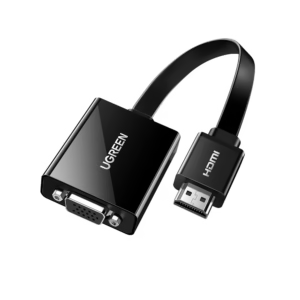
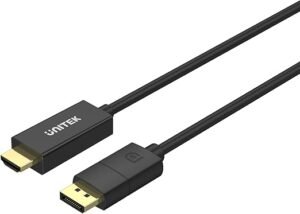
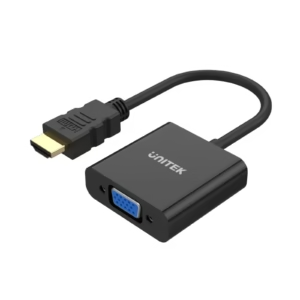
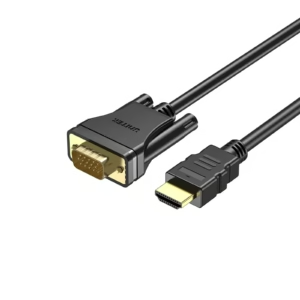
An hdmi adapter is a broad term that covers various connectivity solutions. Beyond the simple usb c to hdmi dongle, adapters are essential for compatibility between old and new technology. For instance, if you have a legacy device with a VGA or DVI output, an hdmi adapter can convert that signal to work with a modern TV .
However, Intel notes that using adapters can sometimes lead to issues such as signal degradation, screen flickering, or loss of audio capabilities. It is always recommended to use a direct cable connection when possible to avoid these pitfalls .
Choosing the Right Tool for Your Setup
To summarize, here is a quick guide to ensure you buy the correct equipment:
For High-End Gaming and 8K: Invest in hdmi 2.1 certified hdmi cables. They are future-proofed for the next generation of consoles and graphics cards.
For One Source to Many Screens: Buy an hdmi splitter. It ensures your signal reaches multiple displays without quality loss.
For Modern Laptops: A usb c to hdmi adapter is non-negotiable. It turns your slim laptop into a powerhouse workstation.
For Legacy Devices: Use an hdmi adapter to connect older computers or game consoles to new displays.