UGREEN Pakistan is an independently owned reseller and is not the official website of UGREEN Group Limited.
We use cookies for analytics and ad personalization. You can accept or decline — see our Privacy Policy.

KVM stands for keyboard, video and mouse. Unlike a plain HDMI switch, which only handles the video signal, a KVM switch also shares your keyboard and mouse – and often other USB peripherals – between two computers, so switching feels like sitting down at a different machine rather than unplugging cables.
The Unitek V1309AGY01 5Gbps HDMI KVM Switch (Rs. 16,500) lets you control two computers with a single monitor, keyboard and mouse, and includes four USB 3.0 ports for sharing peripherals like printers or flash drives at up to 5Gbps transfer speed. Video output supports up to 4K@60Hz with HDR and HDCP 2.3, and it works across Windows, macOS and Linux.
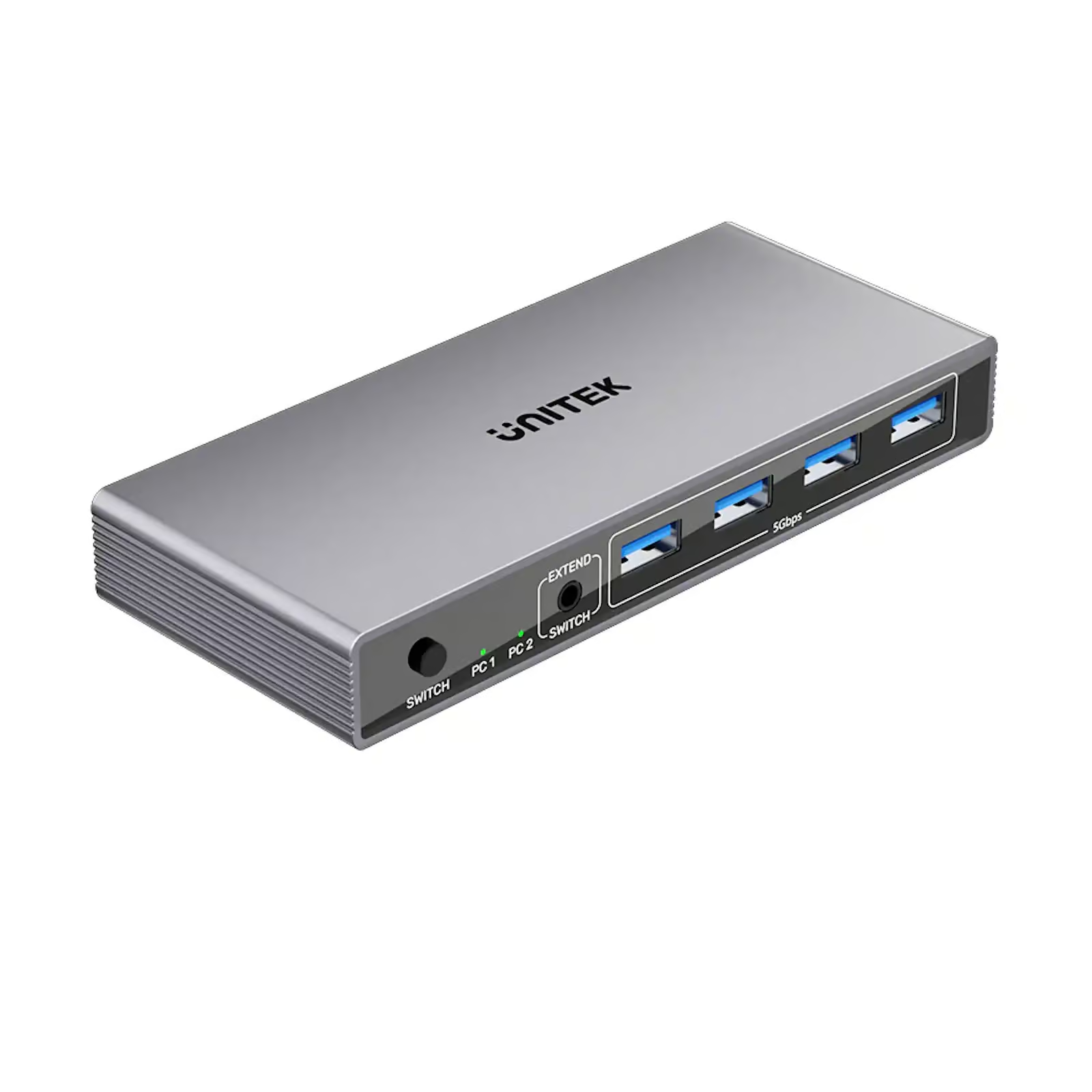
The UNITEK V1309AGY01-EU HDMI KVM SWITCH BETWEEN 2 DEVICES SHARE 1-HDMI 4K@60HZ (Rs. 16,500) is the EU-plug equivalent, offering the same two-computer, one-monitor/keyboard/mouse control with plug-and-play setup and no drivers required.
Power users running two monitors across multiple computers should look at the UNITEK D1118AGY01-EU USB-C 10GBPS HDMI SPLIT-SCREEN KVM SWITCH (Rs. 38,427). It ships as a pack of two units, supports HDMI split-screen so two PCs can share one monitor, offers 10Gbps USB-C data transfer, and each switch supports five USB-A devices, with a maximum resolution of 4K.
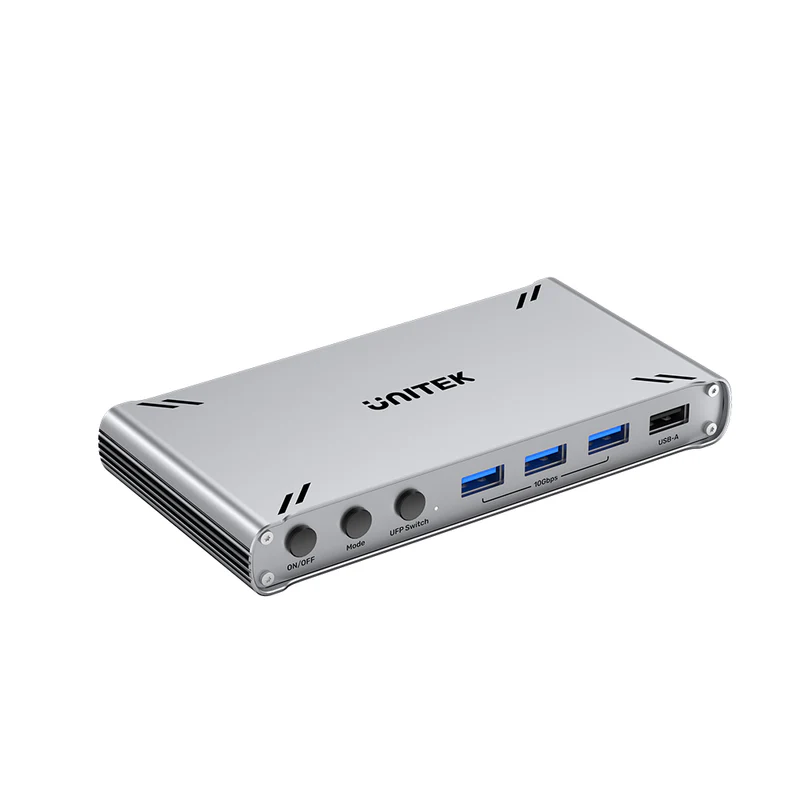
All three KVM switches here are described as plug-and-play with no drivers required, so the setup itself is simple: connect each computer’s HDMI and USB output to the switch, connect the shared monitor, keyboard and mouse to the switch’s output side, and use the button or shortcut to flip between machines. The main decision is really about scale – a single Unitek V1309AGY01 (Rs. 16,500) covers a simple two-PC, one-monitor desk, while the UNITEK D1118AGY01-EU (Rs. 38,427) pack of two units and 10Gbps USB-C transfer speed is built for a more demanding dual-monitor, multi-device workstation.
It is also worth confirming your computers’ outputs match what the switch expects: the D1118AGY01-EU is built around USB-C and HDMI connectors, while the standard V1309AGY01 models are HDMI-based with USB 3.0 peripheral sharing, so check your PCs’ available ports before choosing between them.
A regular HDMI switch only shares the video signal, while a KVM switch also shares your keyboard and mouse, and often USB devices, between computers, so both machines feel like they are plugged directly into your desk peripherals.
The Unitek V1309AGY01 (Rs. 16,500) and its EU variant both handle two computers to one monitor, keyboard and mouse. The UNITEK D1118AGY01-EU (Rs. 38,427) ships as two units for more flexible dual-PC, dual-monitor setups.
Both Unitek V1309AGY01 models support up to 4K@60Hz with HDR and HDCP 2.3. The D1118AGY01-EU supports up to 4K as well.
Yes. The Unitek V1309AGY01 includes four USB 3.0 ports at up to 5Gbps for devices like printers or flash drives, and the D1118AGY01-EU supports five USB-A devices per switch at 10Gbps.
